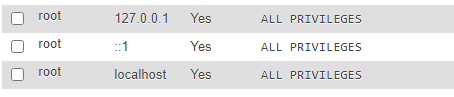
At First we have to find that which root user password we want change because there are 3 root user password are in phpMyAdmin.
To find, first fill root on username and leave blank password and click on Go, it will show which user you are trying to login.
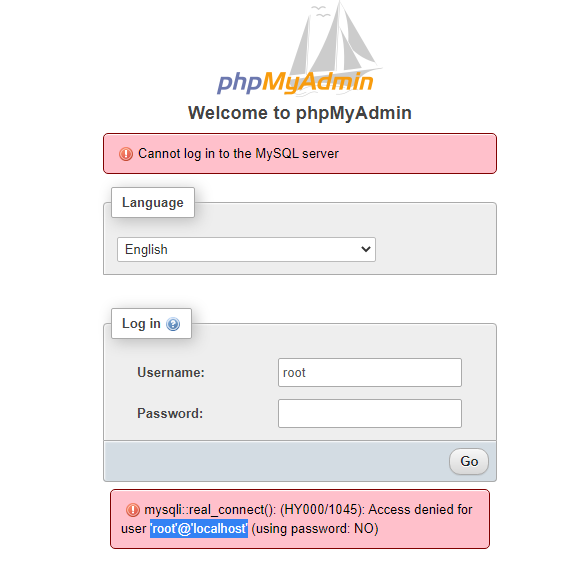
In my case i’m logging in root@localhost so i’ll change that password after logging in phpmyadmin. So, login in your phpmyadmin.
After login you’ll see User Accounts Section on the top. click on it.
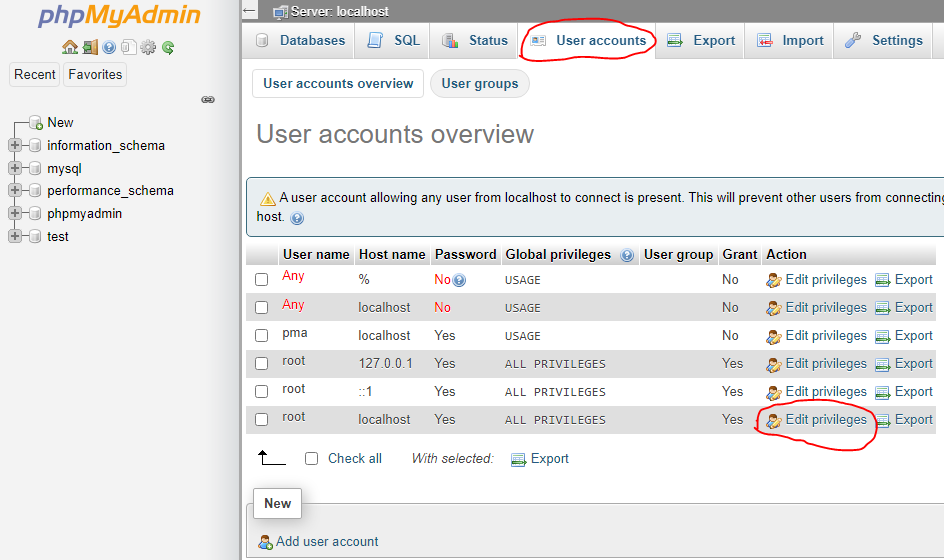
After that click on edit privileges for your
user type, in my case it’s root@localhost so i’ll click on edit privileges for that user.
Now, Go to change password tab from top.
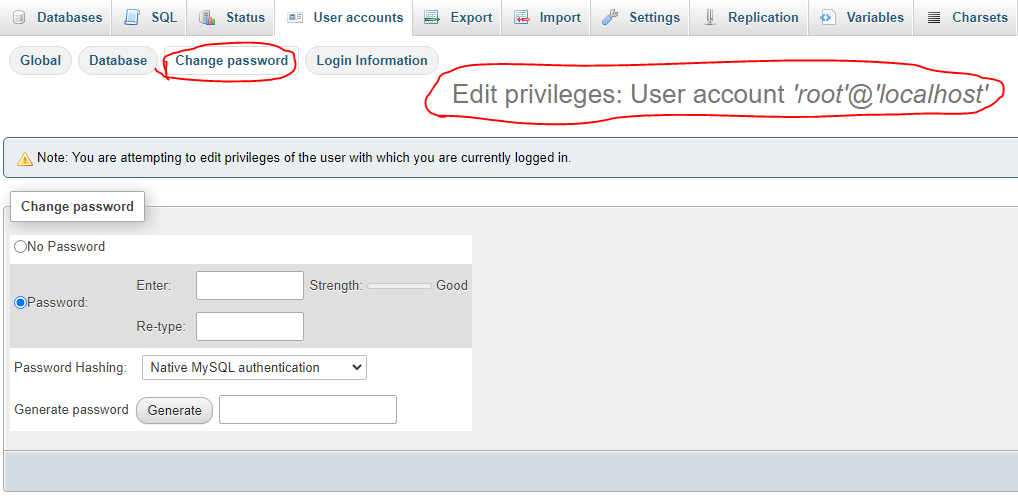
Now Fill the password and click on Go.
It’s Done.
Your Password is Changed.