Error
FAILURE: Build failed with an exception.

* What went wrong:
Execution failed for task ':fluttertoast:compileDebugKotlin'.
> Compilation error. See log for more details

* Try:
Run with --stacktrace option to get the stack trace. Run with --info or --debug option to get more log output. Run with --scan to get full insights.

* Get more help at https://help.gradle.org

BUILD FAILED in 1m 45s
Running Gradle task 'assembleDebug'...                            107.9s

┌─ Flutter Fix ──────────────────────────────────────────────────────────────────────────────────────────────┐
│ [!] Your project requires a newer version of the Kotlin Gradle plugin.                                                                            │
│ Find the latest version on https://kotlinlang.org/docs/gradle.html#plugin-and-versions,
| then update E:\flutter_apps\geodata\android\build.gradle: │
│ ext.kotlin_version = '<latest-version>'                                                                                                           │
└────────────────────────────────────────────────────────────────────────────────────────────────────────────┘
Exception: Gradle task assembleDebug failed with exit code 1Code language: PHP (php)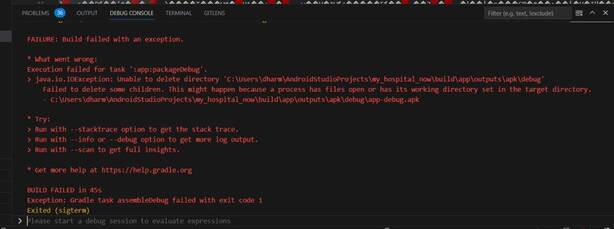
Solution of This error:
The latest version we get is “1.6.21”, now you have to update the version code at build.gradle located at android\build.gradle path.
change the version no. of ext.kotlin_version.
In this way, you can solve “your project requires a newer version of the kotlin gradle plugin” error in Flutter.