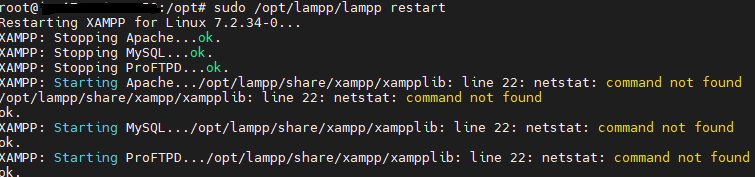
When I try to start my xampp in the server I found these errors:
sudo /opt/lampp/lampp restart
Starting XAMPP for Linux 7.2.34-0…
XAMPP: Starting Apache…/opt/lampp/share/xampp/xampplib: line 22: netstat: command not found
/opt/lampp/share/xampp/xampplib: line 22: netstat: command not found
ok.
XAMPP: Starting MySQL…/opt/lampp/share/xampp/xampplib: line 22: netstat: command not found
ok.
XAMPP: Starting ProFTPD…/opt/lampp/share/xampp/xampplib: line 22: netstat: command not found
ok.
How can I solve this problem with xampplib and how can I get the xampp to work?
Solution
It seems that your xampp instance is complaining about a lack of netstat command.
netstat is a part of the net-tools package, so run this command to install netstat:
sudo apt install net-tools
Then try to start your xampp again, it should work now.
That’s all, I hope this article helps you to solve your problem.
Keep Exploring.
Thanks for reading.