Make sure you are in htdocs folder while executing the commands.
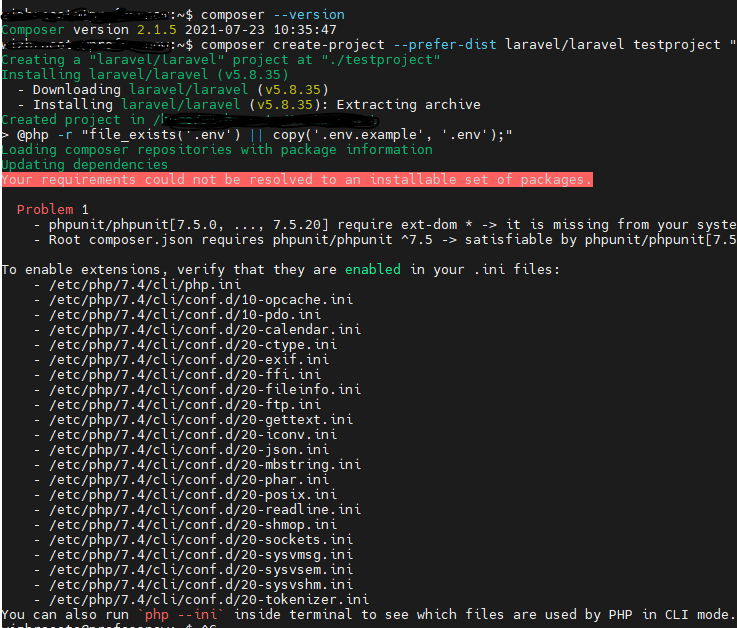
I was trying to install Laravel in a Ubuntu virtual machine and got this error
Your requirements could not be resolved to an installable set of packages. Problem 1 – phpunit/phpunit[7.5.0, …, 7.5.20] require ext-dom * -> it is missing from your system. Install or enable PHP’s dom extension. – Root composer.json requires phpunit/phpunit ^7.5 -> satisfiable by phpunit/phpunit[7.5.0, …, 7.5.20].And To enable extensions, verify that they are enabled in your .ini files:
But in your server you’re missing ext-dom. php-xml has all the related packages you need. So, you can simply install it by running:
sudo apt install php-xmlMost likely you are missing mbstring too. If you get the error, install this package as well with:
sudo apt-get install php-mbstringCode language: JavaScript (javascript)Then run:
composer update
composer require cviebrock/eloquent-sluggableCode language: JavaScript (javascript)