Docker Update
The docker update command dynamically updates container configuration. We can use this command to prevent containers from consuming too many resources from their Docker host. With this command, we can place limits on a single container or on many.
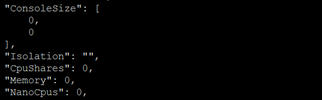
docker update [OPTIONS] <container_name> Code language: HTML, XML (xml)Before update cpu shares option –
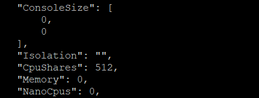
After update cpu shares option –
Docker Wait
Block until one or more containers stop, then print their exit codes
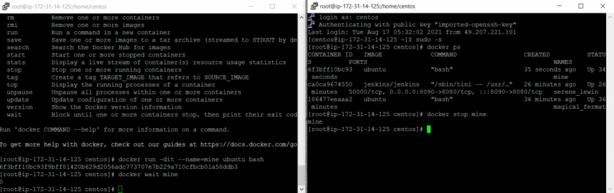
docker wait <container_name>Code language: HTML, XML (xml)Example of running docker wait – Start a container in the background.
$ docker run -dit --name=mine ubuntu bashRun docker wait, which should block until the container exits.
$ docker wait mineIn another terminal, stop the first container. The docker wait command above returns the exit code.
$ docker stop mineThis is the same docker wait command from above, but it now exits, returning 0.
$ docker wait mine

0