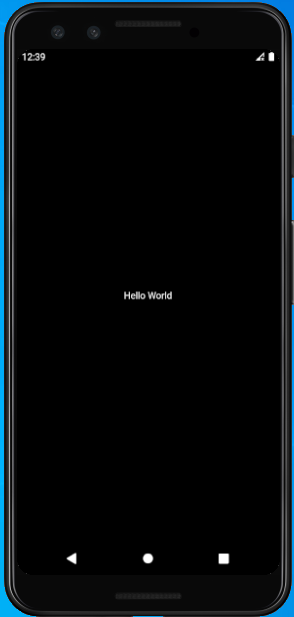
To Display “Hello World” in Flutter, just Follow the Below Steps.
Step 1:- First of all, Import material.dart package library.
import ‘package:flutter/material.dart’;Code language: JavaScript (javascript)Step 2:- Now, we call our main method.
void main() { }Code language: JavaScript (javascript)Step 3:- Under main() we perform all our operations. So, Under main() we call runApp() in which we use Widgets to perform any operation.
Step 4 :- Now, we call CentreWidget under runApp() method [ To show text in centre ] in which we take Text Widget as child, and in text widget lets pass a Welcome Message “Hello World“.
Step 5 :- Now, we add Direction to our Text Widget otherwise it returns error. See Below the Text Widget
child: Text(“Hello World”, textDirection: TextDirection.ltr,)Code language: CSS (css)All Done. Now we are Ready to run our project But before that, please match your code with mine to not get any Error. See Below :-
See Output Below