MOTOSHARE 🚗🏍️
Turning Idle Vehicles into Shared Rides & Earnings
From Idle to Income. From Parked to Purpose.
Earn by Sharing, Ride by Renting.
Where Owners Earn, Riders Move.
Owners Earn. Riders Move. Motoshare Connects.
With Motoshare, every parked vehicle finds a purpose.
Owners earn. Renters ride.
🚀 Everyone wins.
Steps For Installing PHP Composer on Ubuntu
STEP 1: Update You distribution
Enter this command to update the local repository lists.
sudo apt-get updateCode language: JavaScript (javascript)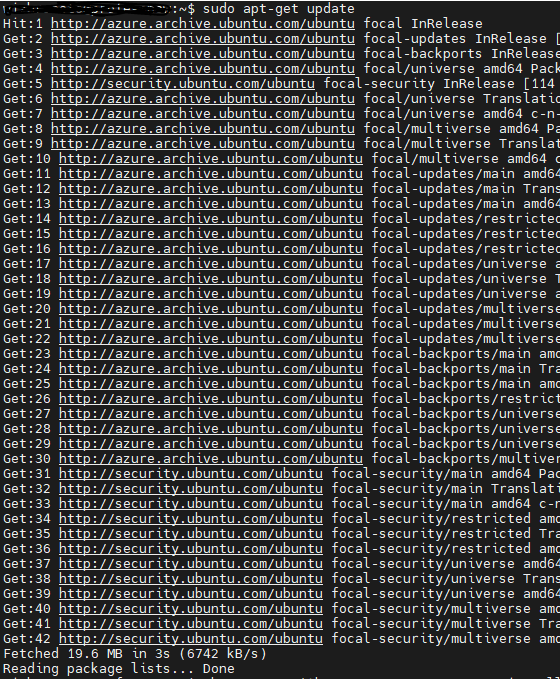
STEP 2: Download the Composer Installer
run the below command in your root directory (We are installing composer globally)
php -r "copy('https://getcomposer.org/installer', 'composer-setup.php');"Code language: JavaScript (javascript)Step 3: Verify Integrity of the Download
1. Visit the Composer Public Keys page. Copy the Installer Signature (SHA-384).
2. Set the code shell variable:
COMPOSER=48e3236262b34d30969dca3c37281b3b4bbe3221bda826ac6a9a62d6444cdb0dcd0615698a5cbe587c3f0fe57a54d8f5
3. Run the script below to compare the official hash against the one you downloaded:
php -r "if (hash_file('SHA384', 'composer-setup.php') === '$COMPOSER') { echo 'Installer verified'; } else { echo 'Installer corrupt'; unlink('composer-setup.php'); } echo PHP_EOL;"Code language: JavaScript (javascript)
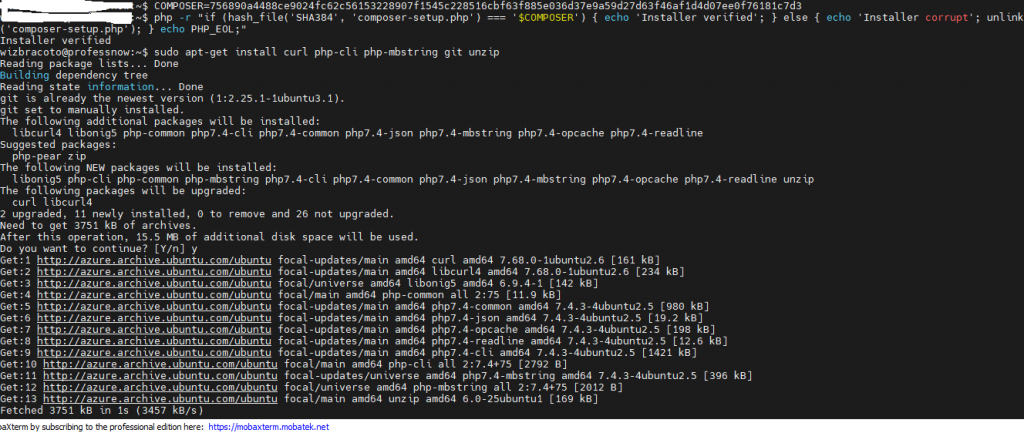
Step 4: Install PHP Composer
1. Installing PHP Composer requires curl, unzip, and a few other utilities. Install them by entering the following:
sudo apt-get install curl php-cli php-mbstring git unzipCode language: JavaScript (javascript)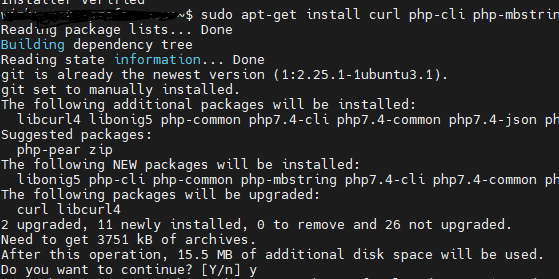
2. To install to /usr/local/bin. enter:
sudo php composer-setup.php --install-dir=/usr/local/bin --filename=composerCode language: JavaScript (javascript)The installer should output:

That’s it hope it helps someone there.