MOTOSHARE 🚗🏍️
Turning Idle Vehicles into Shared Rides & Earnings
From Idle to Income. From Parked to Purpose.
Earn by Sharing, Ride by Renting.
Where Owners Earn, Riders Move.
Owners Earn. Riders Move. Motoshare Connects.
With Motoshare, every parked vehicle finds a purpose.
Owners earn. Renters ride.
🚀 Everyone wins.
To Display “Hello World” in Flutter, just Follow the Below Steps.
Step 1:- First of all, Import material.dart package library.
import ‘package:flutter/material.dart’;Code language: JavaScript (javascript)Step 2:- Now, we call our main method.
void main() { }Code language: JavaScript (javascript)Step 3:- Under main() we perform all our operations. So, Under main() we call runApp() in which we use Widgets to perform any operation.
Step 4 :- Now, we call CentreWidget under runApp() method [ To show text in centre ] in which we take Text Widget as child, and in text widget lets pass a Welcome Message “Hello World“.
Step 5 :- Now, we add Direction to our Text Widget otherwise it returns error. See Below the Text Widget
child: Text(“Hello World”, textDirection: TextDirection.ltr,)Code language: CSS (css)All Done. Now we are Ready to run our project But before that, please match your code with mine to not get any Error. See Below :-
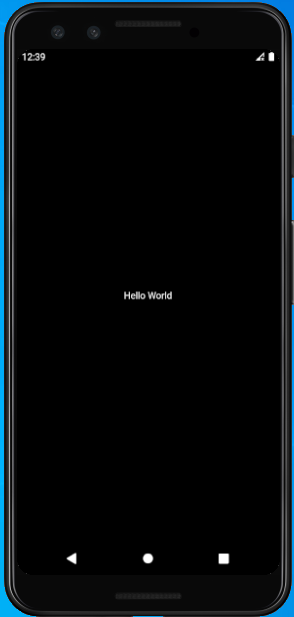
See Output Below