MOTOSHARE 🚗🏍️
Turning Idle Vehicles into Shared Rides & Earnings
From Idle to Income. From Parked to Purpose.
Earn by Sharing, Ride by Renting.
Where Owners Earn, Riders Move.
Owners Earn. Riders Move. Motoshare Connects.
With Motoshare, every parked vehicle finds a purpose.
Owners earn. Renters ride.
🚀 Everyone wins.
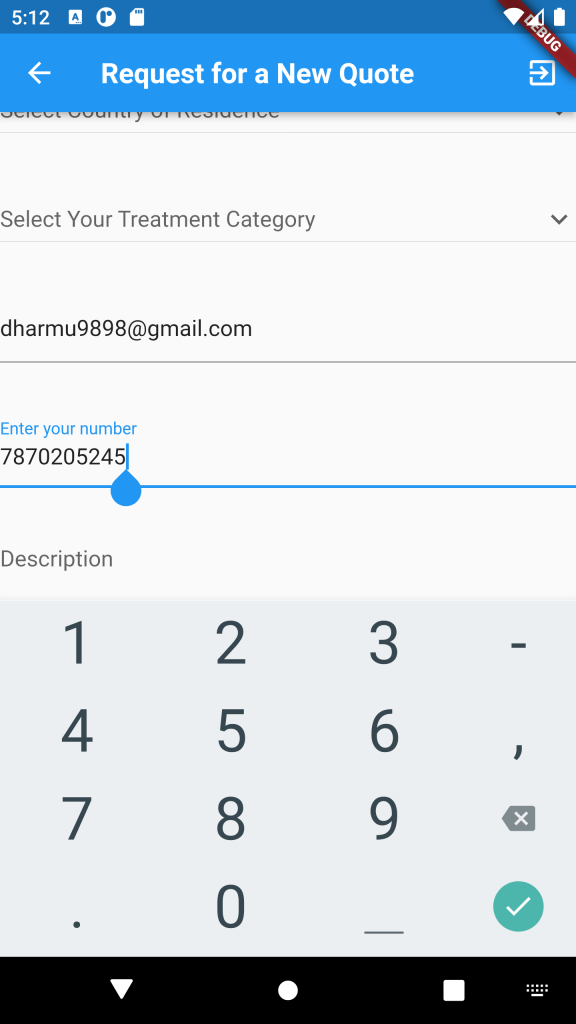
To limit the number of digits entered in a TextField widget to 10 digits, you can use the inputFormatters property of the TextField widget.
TextEditingController _controller = TextEditingController();
final tenDigitsOnly = new RegExp(r'^\d{0,10}$');

TextField(
  controller: _controller,
  keyboardType: TextInputType.number,
  inputFormatters: [
    FilteringTextInputFormatter.allow(tenDigitsOnly)
  ],
)
Code language: JavaScript (javascript)
In this code, we have created a regular expression tenDigitsOnly that matches only digits and has a maximum length of 10. Then we have passed it to the FilteringTextInputFormatter.allow() method which allows only characters that match the provided regular expression.
By using this code, the user will only be able to enter up to 10 digits in the TextField.