MOTOSHARE 🚗🏍️
Turning Idle Vehicles into Shared Rides & Earnings
From Idle to Income. From Parked to Purpose.
Earn by Sharing, Ride by Renting.
Where Owners Earn, Riders Move.
Owners Earn. Riders Move. Motoshare Connects.
With Motoshare, every parked vehicle finds a purpose.
Owners earn. Renters ride.
🚀 Everyone wins.
Problem
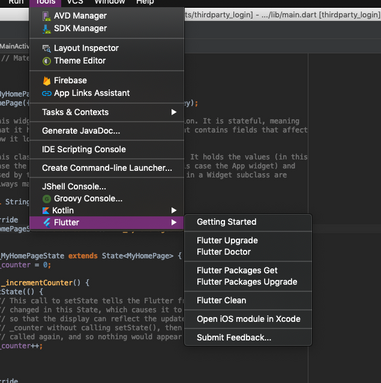
Doctor summary (to see all details, run flutter doctor -v):
[✓] Flutter (Channel beta, v1.7.8+hotfix.4, on Mac OS X 10.14.5 18F132, locale en-IN)
[✓] Android toolchain - develop for Android devices (Android SDK version 28.0.3)
[✓] Xcode - develop for iOS and macOS (Xcode 11.3.1)
[!] iOS tools - develop for iOS devices
 ✗ libimobiledevice and ideviceinstaller are not installed. To install with Brew, run:
    brew update
    brew install --HEAD usbmuxd
    brew link usbmuxd
    brew install --HEAD libimobiledevice
    brew install ideviceinstaller
[✓] Android Studio (version 3.1)
[!] VS Code (version 1.42.1)
✗ Flutter extension not installed; install from
https://marketplace.visualstudio.com/items?itemName=Dart-Code.flutter
[✓] Connected device (1 available)
! Doctor found issues in 2 categories.Code language: JavaScript (javascript)
Solution
The problem is caused by missing .iml project files. These files are added automatically to the .gitignore file but they should not. To fix it:
- Delete
.ideafolder. - Create a new temporary Flutter project with the same name.
- Copy from the project to your existing project these 2 missing files:
[project_name].imlandroid/[project_name]_android.iml
- Open Android Studio and the problem should be gone.