MOTOSHARE 🚗🏍️
Turning Idle Vehicles into Shared Rides & Earnings
From Idle to Income. From Parked to Purpose.
Earn by Sharing, Ride by Renting.
Where Owners Earn, Riders Move.
Owners Earn. Riders Move. Motoshare Connects.
With Motoshare, every parked vehicle finds a purpose.
Owners earn. Renters ride.
🚀 Everyone wins.
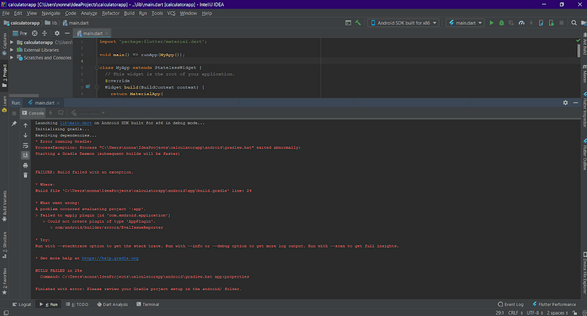
The error message in IntelliJ
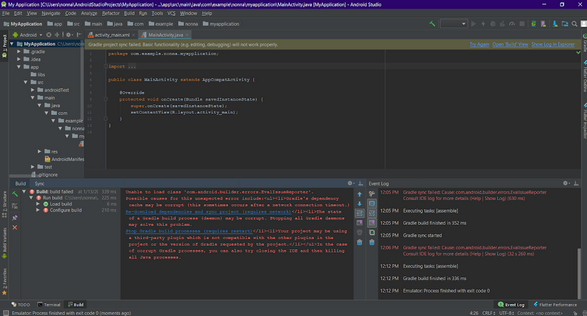
The error message in Android Studio
Solution:
Step 1: From the left panel in your IDE, choose the android [name_of_project] folder
Step 2: look for the build. gradle file then double-click it to start editing it
Step 3: change exactly the line that states classpath
‘com.android.tools.build:gradle:3.2.1’ to the current version of your Android Studio, in other terms, classpath
‘com.android.tools.build:gradle:3.3.0’ in my case.
Step 4: After finishing Steps 1 & 2, go to the gradle folder
Step 5: Double-click on the wrapper subfolder
Step 6: Click the gradle-wrapper.properties file to start editing it
Step 7: make sure that your gradle version is compatible with your current Android Studio distributionUrl=https\://services.gradle.org/distributions/gradle-4.10.2-all.zip