MOTOSHARE 🚗🏍️
Turning Idle Vehicles into Shared Rides & Earnings
From Idle to Income. From Parked to Purpose.
Earn by Sharing, Ride by Renting.
Where Owners Earn, Riders Move.
Owners Earn. Riders Move. Motoshare Connects.
With Motoshare, every parked vehicle finds a purpose.
Owners earn. Renters ride.
🚀 Everyone wins.
Error
FAILURE: Build failed with an exception.

* What went wrong:
Execution failed for task ':fluttertoast:compileDebugKotlin'.
> Compilation error. See log for more details

* Try:
Run with --stacktrace option to get the stack trace. Run with --info or --debug option to get more log output. Run with --scan to get full insights.

* Get more help at https://help.gradle.org

BUILD FAILED in 1m 45s
Running Gradle task 'assembleDebug'...                            107.9s

┌─ Flutter Fix ──────────────────────────────────────────────────────────────────────────────────────────────┐
│ [!] Your project requires a newer version of the Kotlin Gradle plugin.                                                                            │
│ Find the latest version on https://kotlinlang.org/docs/gradle.html#plugin-and-versions,
| then update E:\flutter_apps\geodata\android\build.gradle: │
│ ext.kotlin_version = '<latest-version>'                                                                                                           │
└────────────────────────────────────────────────────────────────────────────────────────────────────────────┘
Exception: Gradle task assembleDebug failed with exit code 1Code language: PHP (php)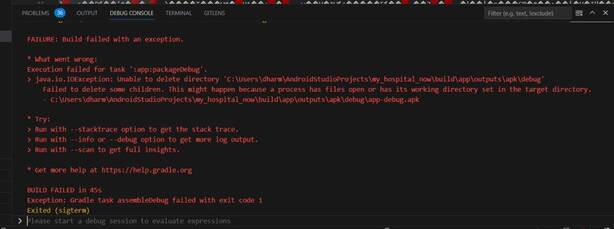
Solution of This error:
The latest version we get is “1.6.21”, now you have to update the version code at build.gradle located at android\build.gradle path.
change the version no. of ext.kotlin_version.
In this way, you can solve “your project requires a newer version of the kotlin gradle plugin” error in Flutter.