MOTOSHARE 🚗🏍️
Turning Idle Vehicles into Shared Rides & Earnings
From Idle to Income. From Parked to Purpose.
Earn by Sharing, Ride by Renting.
Where Owners Earn, Riders Move.
Owners Earn. Riders Move. Motoshare Connects.
With Motoshare, every parked vehicle finds a purpose.
Owners earn. Renters ride.
🚀 Everyone wins.
Error:
FAILURE: Build failed with an exception.

* What went wrong:
Execution failed for task ':app:packageDebug'.
> java.io.IOException: Unable to delete directory 'C:\Users\dharm\AndroidStudioProjects\my_hospital_now\build\app\outputs\apk\debug'
    Failed to delete some children. This might happen because a process has files open or has its working directory set in the target directory.
    - C:\Users\dharm\AndroidStudioProjects\my_hospital_now\build\app\outputs\apk\debug\app-debug.apk

* Try:
> Run with --stacktrace option to get the stack trace.
> Run with --info or --debug option to get more log output.
> Run with --scan to get full insights.

* Get more help at https://help.gradle.org

BUILD FAILED in 31s
Exception: Gradle task assembleDebug failed with exit code 1Code language: JavaScript (javascript)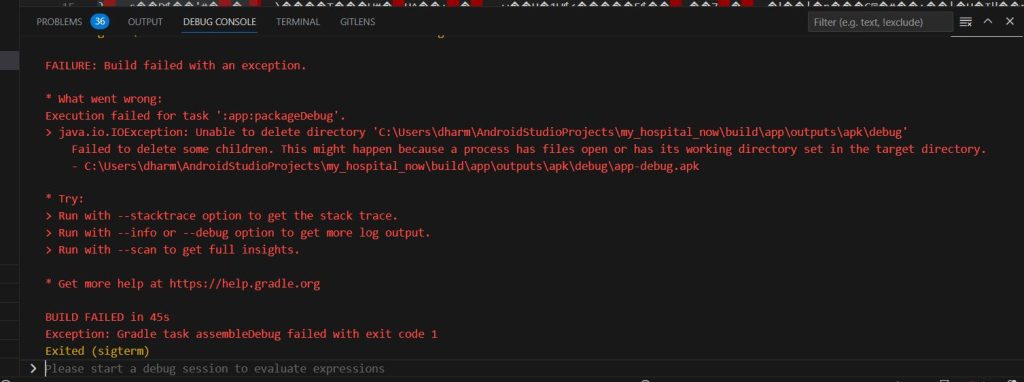
Solution
Run this command for your project
run flutter cleanAnd run this command for your project
flutter pub getCode language: JavaScript (javascript)Solution 2
Add Multidex
Solution 2
add Multidex
android {
defaultConfig {
    ...
    minSdkVersion 15
    targetSdkVersion 28
    multiDexEnabled true
}
...


dependencies {
   implementation "androidx.multidex:multidex:2.0.1"
}
Code language: JavaScript (javascript)
Solution 3
delete ~/.android/debug.keystore in Android SDK.
Note: Follow step-wise, only try Solution 3 if the above two do work.