MOTOSHARE 🚗🏍️
Turning Idle Vehicles into Shared Rides & Earnings
From Idle to Income. From Parked to Purpose.
Earn by Sharing, Ride by Renting.
Where Owners Earn, Riders Move.
Owners Earn. Riders Move. Motoshare Connects.
With Motoshare, every parked vehicle finds a purpose.
Owners earn. Renters ride.
🚀 Everyone wins.
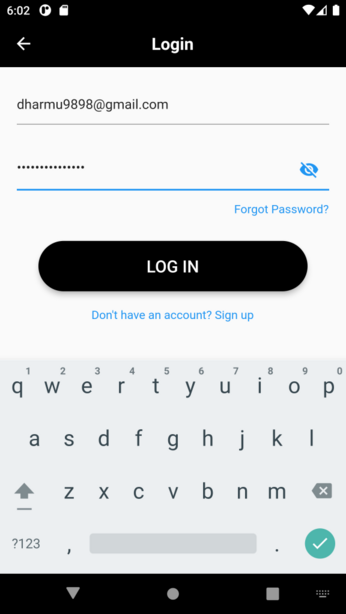
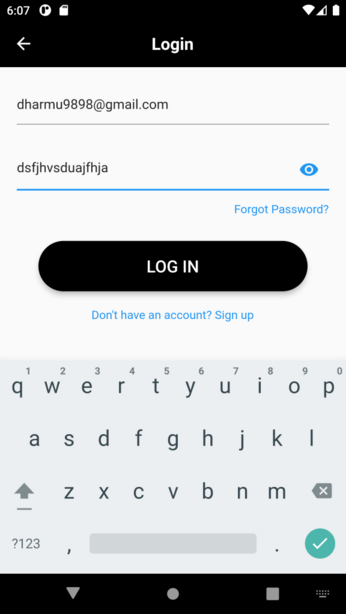
In Flutter, you can make a password field visible or hidden by making use of the obscureText property of the TextField widget. When obscureText is set to true, the entered text will be masked (typically with asterisks) to hide the password. When set to false, the entered text will be displayed as plain text
Here’s an example of how you can implement a password field with a toggle button to show/hide the password:
In this example, the _obscureText boolean variable keeps track of whether the password should be visible or hidden. When the user taps the visibility icon button, the state is updated using setState(), which triggers a rebuild and updates the UI accordingly.
Remember to include the necessary import statements for the Flutter material package and to adapt the example to your specific app structure if needed.